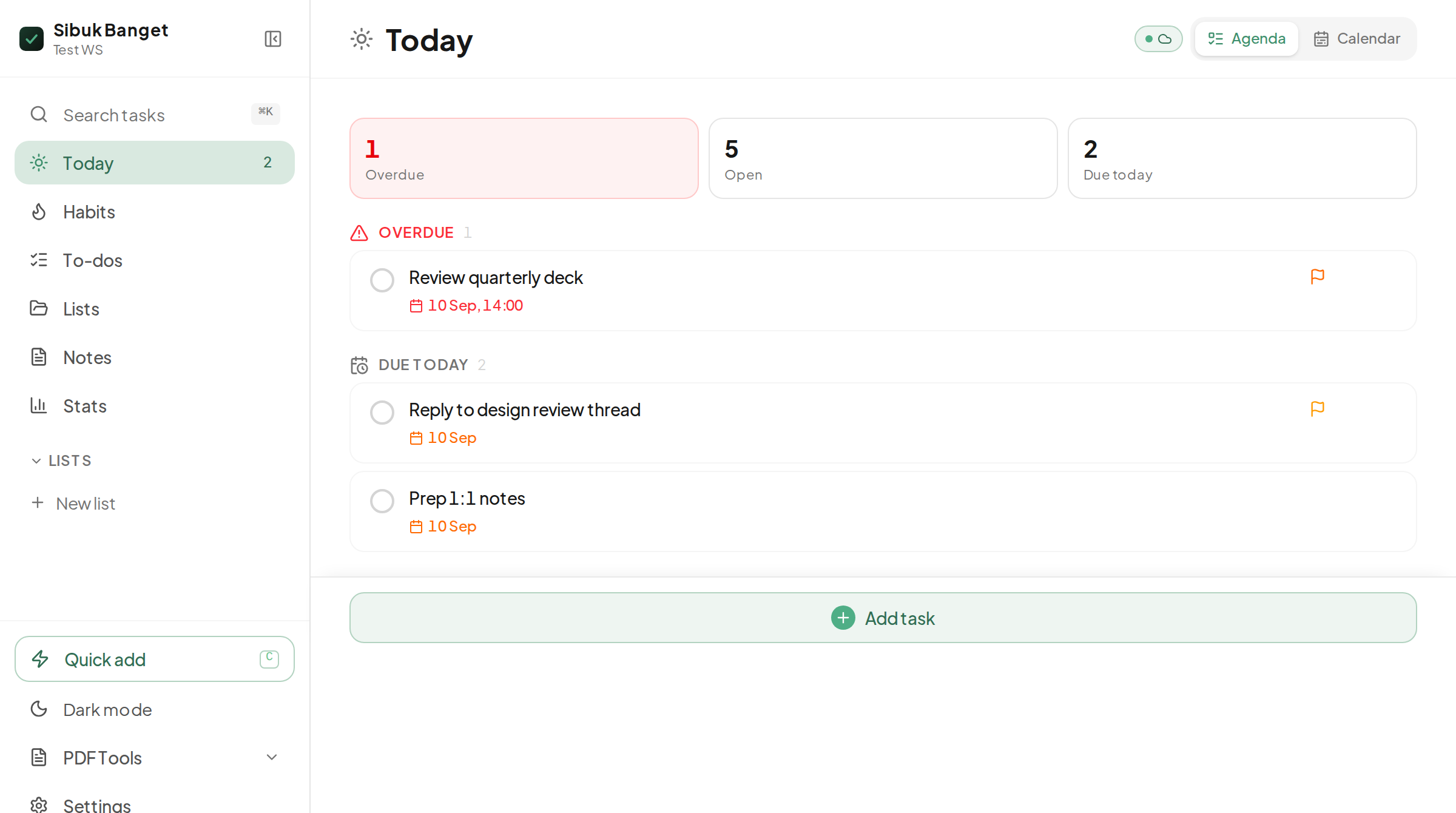
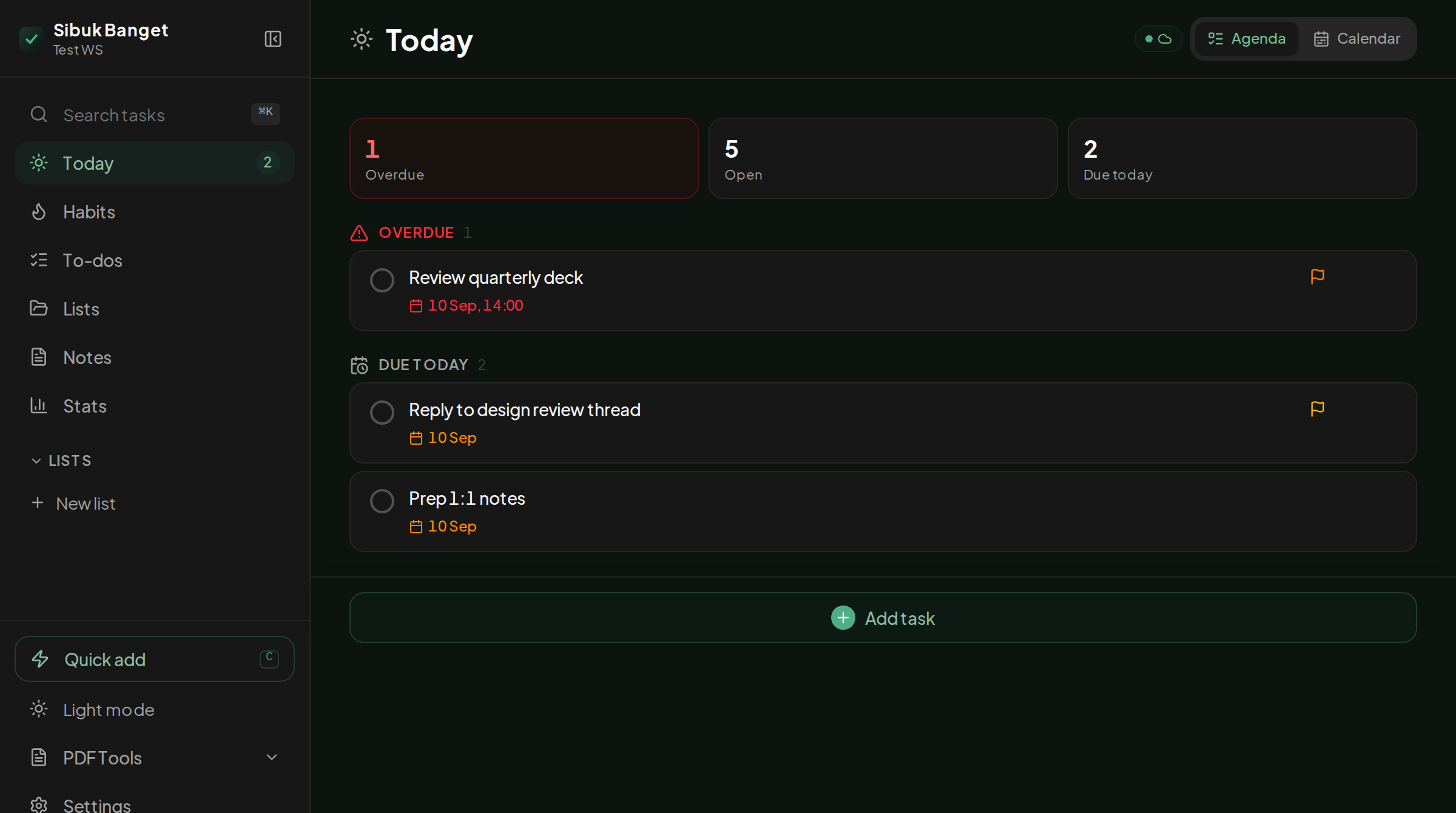
Sibuk Banget keeps everything on your device: a Today view with an agenda and a calendar, notes with checklists and diagrams, a set of PDF tools, and a focus timer. It works with no connection, and syncs between your devices with a passphrase, no sign-up.
Not a to-do list with extras bolted on. Each part is built to be used every day.
The Today view opens on overdue, open and due-today counts, an agenda and a week calendar. Plan My Day drops unscheduled tasks into your workday hours and leaves your lunch break alone.
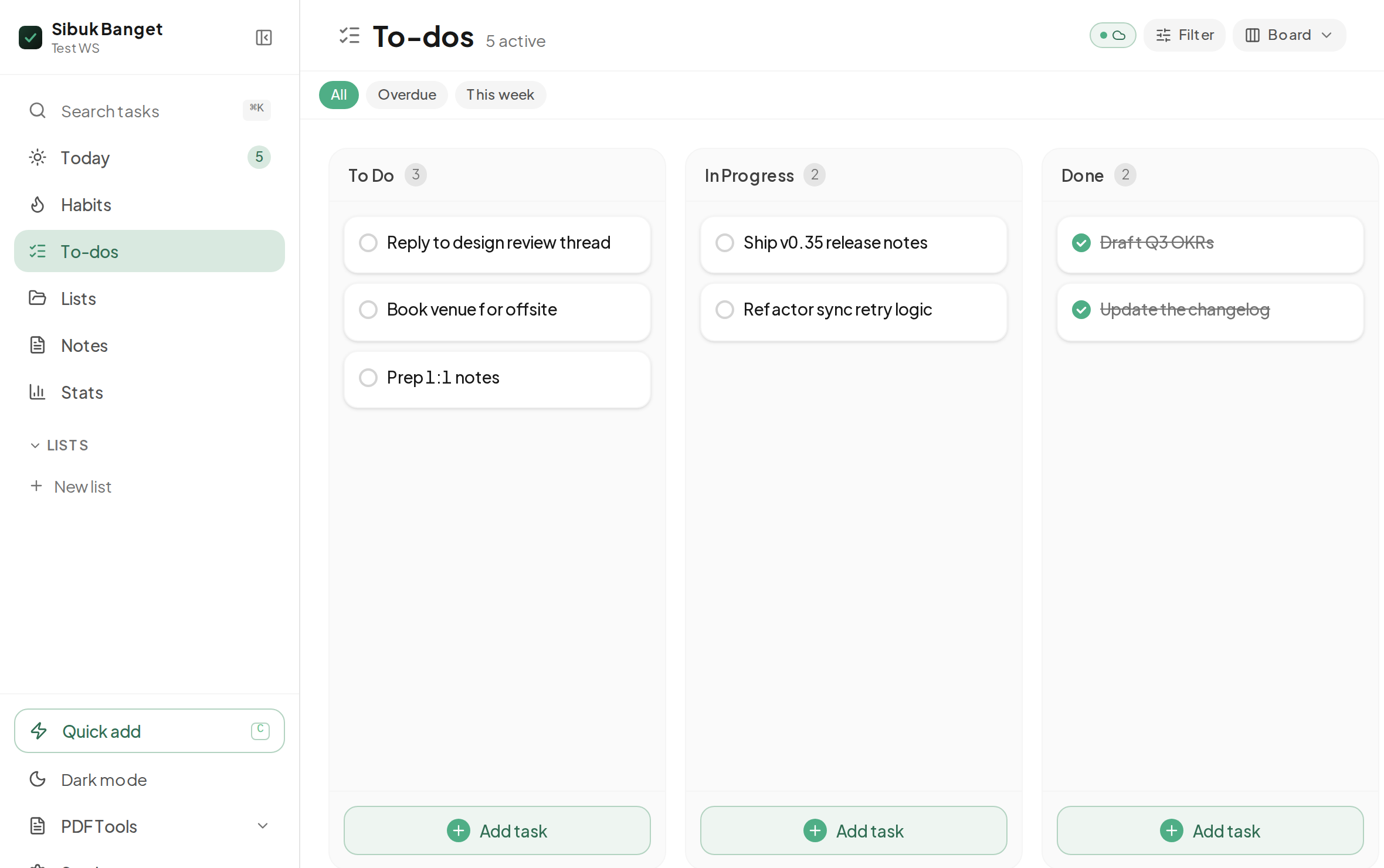
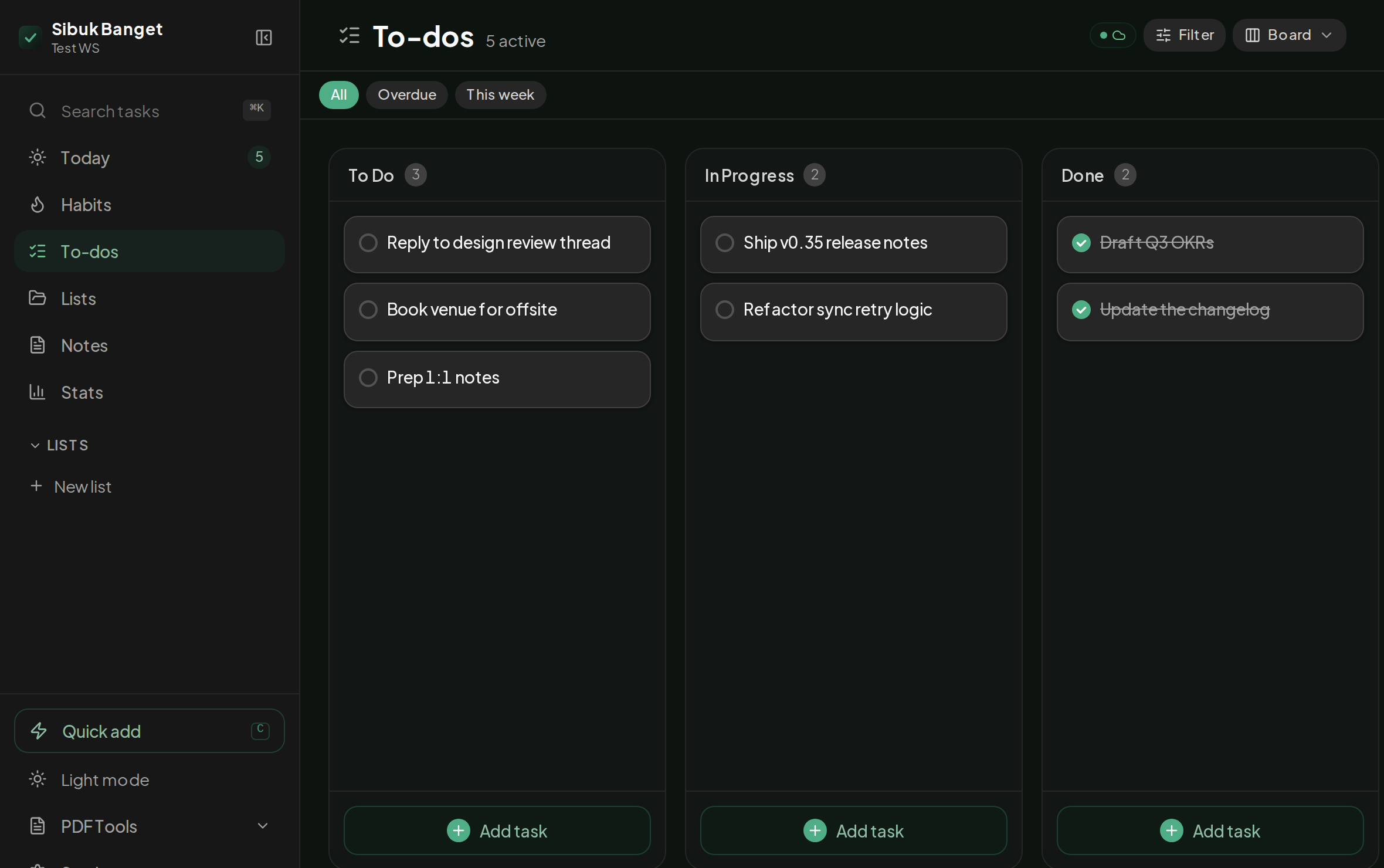
The same tasks show up five ways: List, Grid, Board, Timeline and a priority matrix. Each tab remembers the view you last used. Recurring tasks, subtasks with their own due dates, labels and priorities are all there.
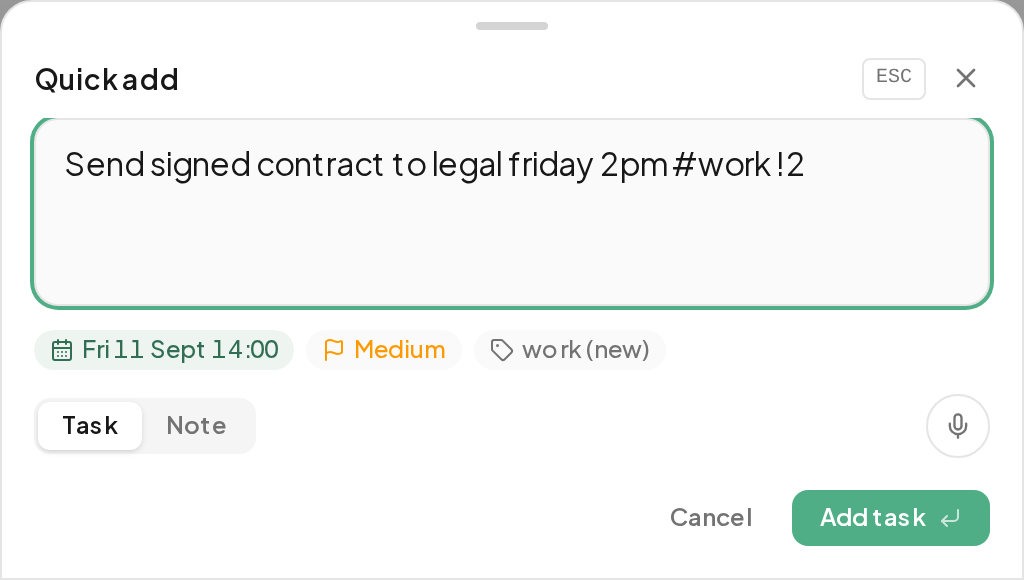
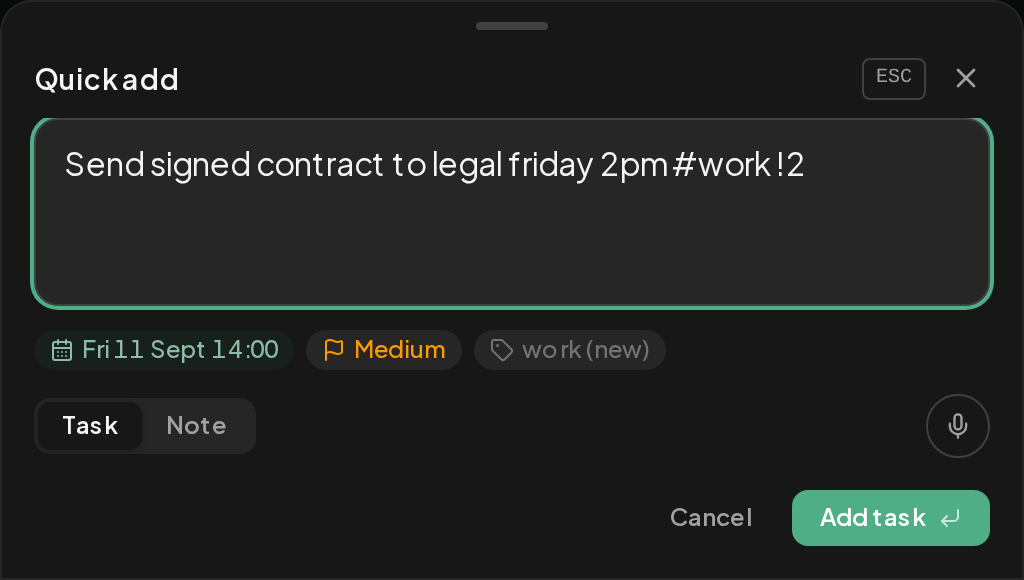
Quick Add opens from any screen. Type pay bills friday 9am #home !2 and it parses the date, the list and the priority into a real task. Speak it instead if your hands are full.
Share text or a link from another app and it lands in Quick Add, pre-filled, ready to save as a task or a note.
Headings, checklists and decision blocks. Formatting from buttons, the way a chat app does it, so you never type a stray asterisk. Drop in a code block or a flowchart and it renders in place.
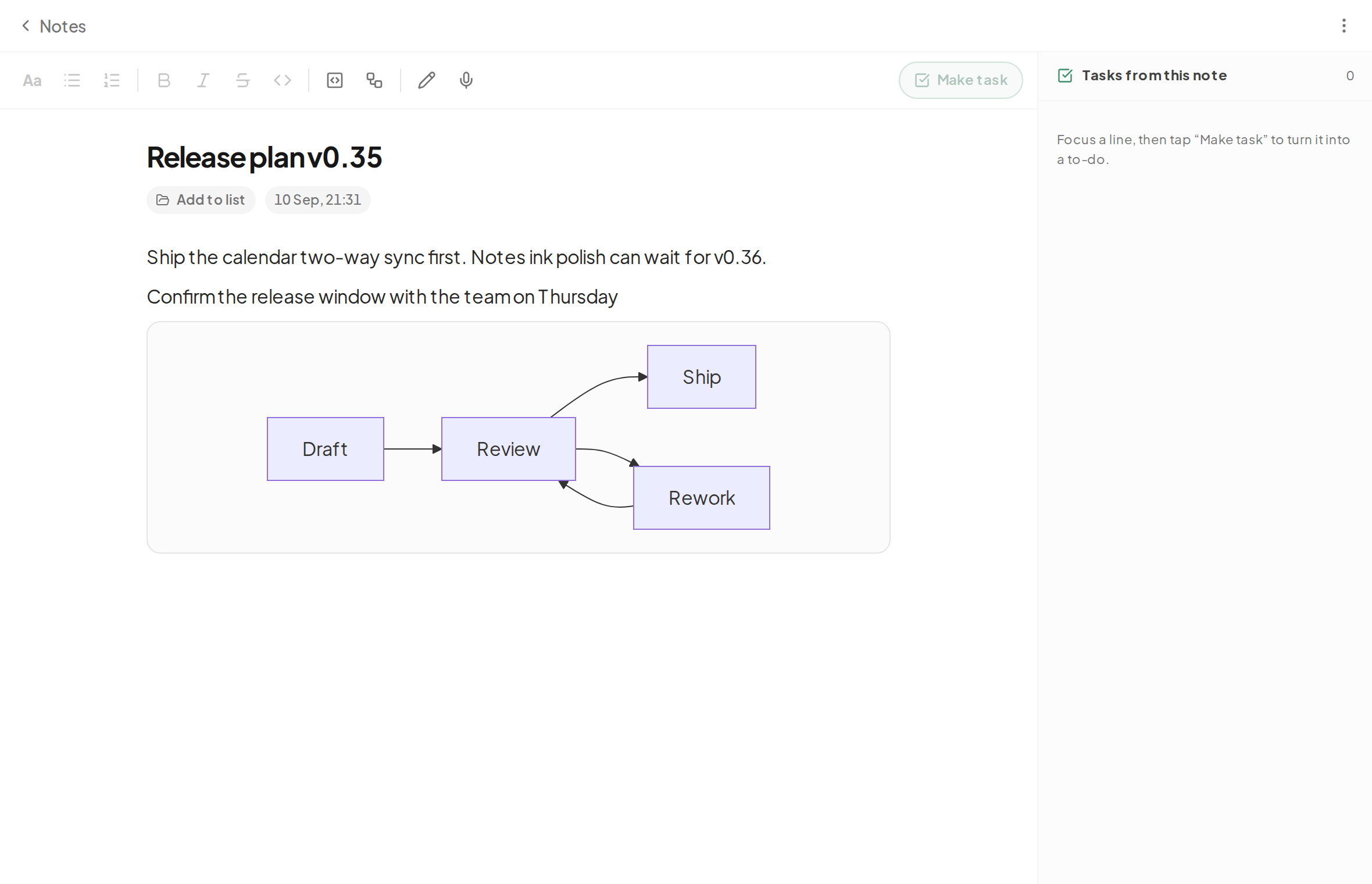
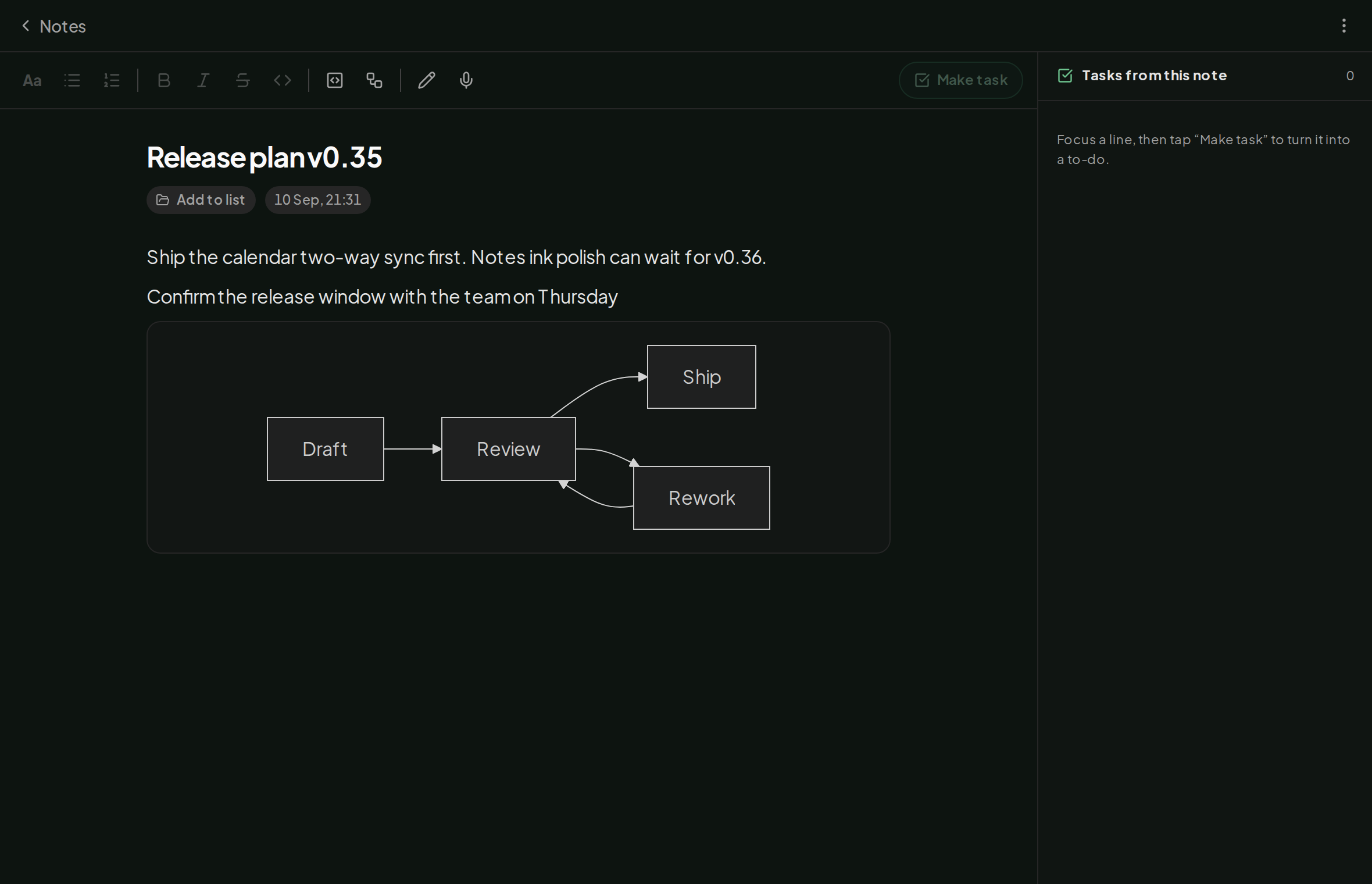
Paste in code and it stays monospaced, with its language kept and the formatter kept out.
Sketch with a finger or stylus on an ink canvas, stored stroke by stroke in the synced note.
Export a note as WhatsApp-formatted text, so the bold and bullets survive the paste.
Turn a line into a task with a swipe; the note keeps the link back.
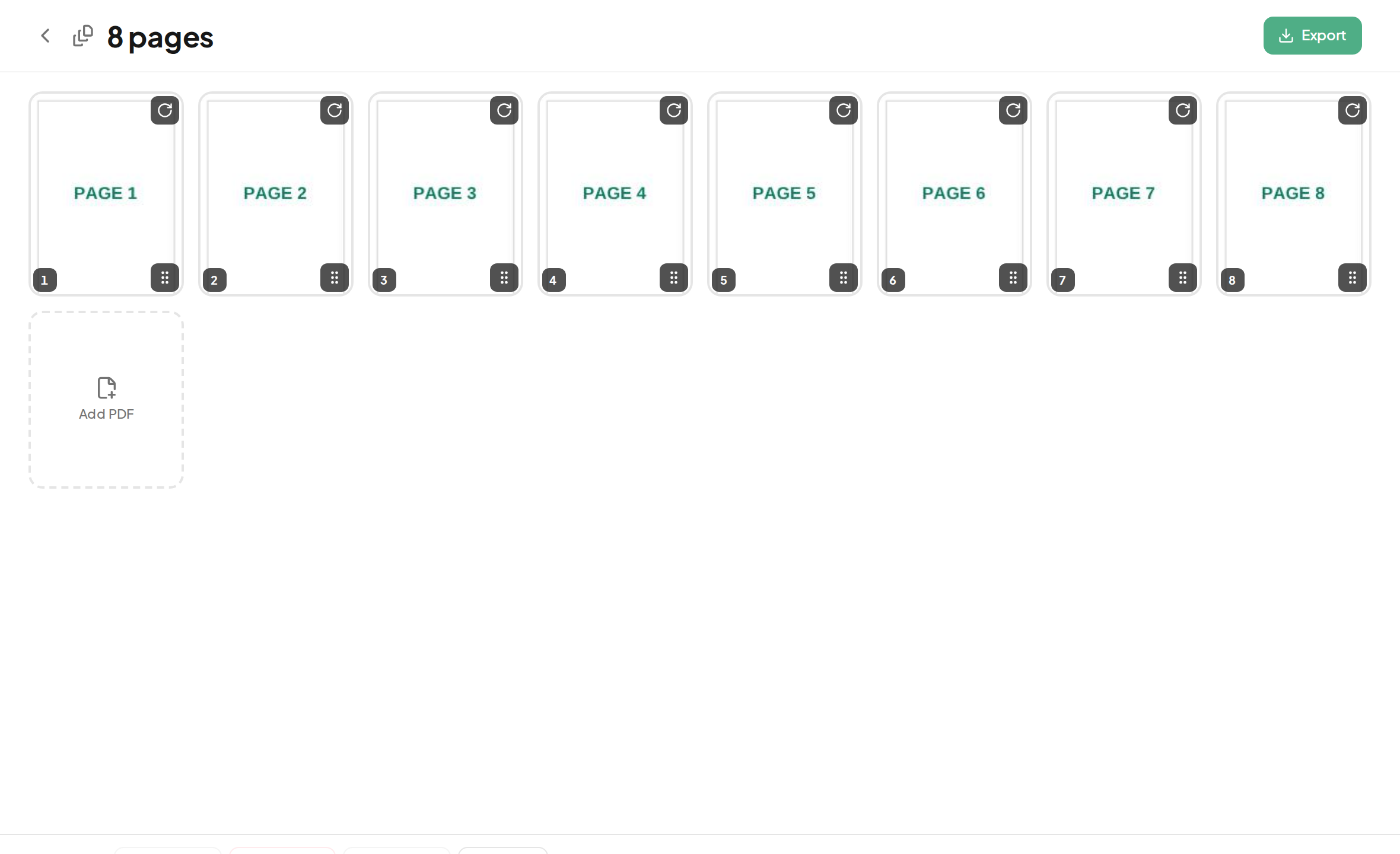
Every operation happens right here in the app. The file never leaves your device, and nothing limits its size but your own machine.
A goal per day, week or month. The streak counts the periods that hit it, shown as a 30-day heatmap.
A per-task timer you can shrink to a pill. It keeps time with the screen locked, and each session feeds the Stats view.
There is no account, and nothing is stored on a server we run. Your tasks, notes and settings live on your device, so the app works with no connection at all. Sync is between your own devices, opened by a passphrase and a workspace code, not a login.
When two of your devices are online together, they sync straight to each other. A backup copy is also kept online, scrambled on your device before it leaves, so whoever holds it cannot read it, and your data survives even when every device is switched off.
No. There is no paid tier and no account to create. Sibuk Banget costs us very little to run, so there is nothing to charge you for.
There is no recovery, that is the trade-off of having no account. Keep your passphrase and workspace code somewhere safe, or export your data now and then as a backup.
Data on that device is gone, but the online backup keeps a safe copy of your workspace. Enter the passphrase and workspace code on a new device and everything comes back.
Fully. The app works from your device first and catches up with your other devices whenever a connection is back.
No. Signing, organising and password-protecting a PDF all happen on your device. The file is never sent anywhere.